I wrote this for AGNTCon + MCPCon North America 2026 (October 22–23, San Jose). At a conference I wanted a few things the apps I had used didn't do together: see what is on right now, keep a private note on a talk, remember who I had spoken to and how to reach them, and get my schedule into my calendar.
It reads the event's public Sessionize schedule, so it should work for any conference that publishes there. If it is useful to you too, good.
What it does
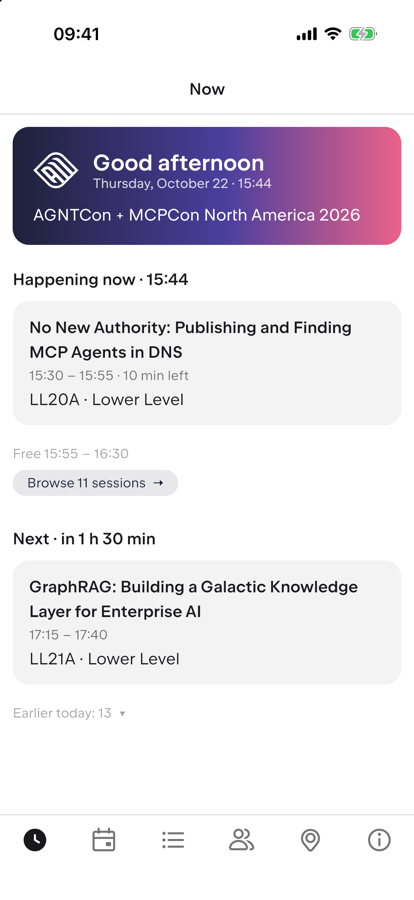
- Now: the session you are in and how long is left, what is next, its room and floor, and your free time before it.
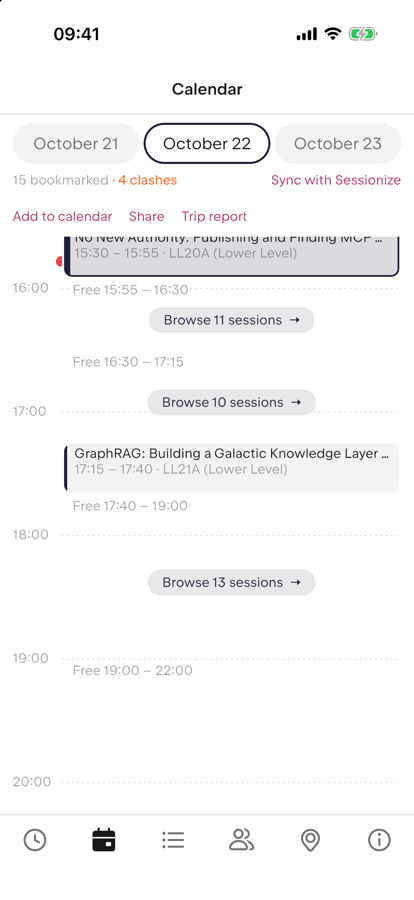
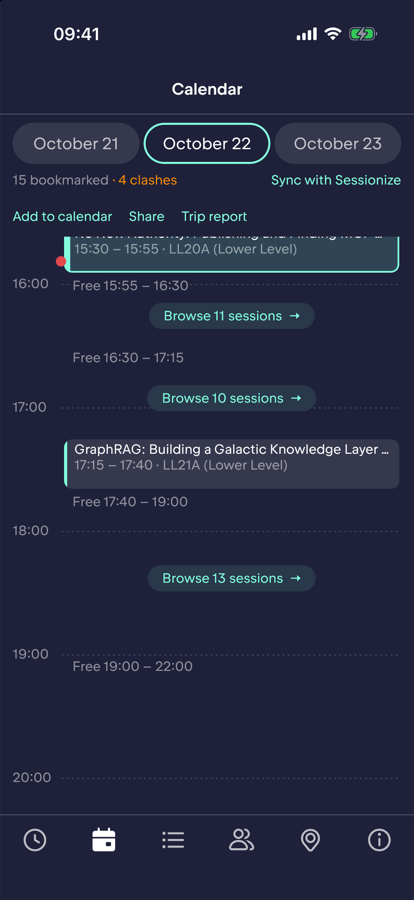
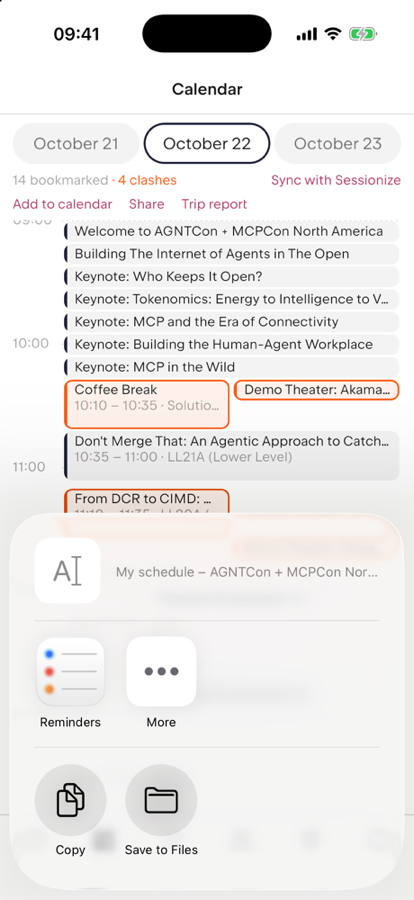
- Calendar: your bookmarked sessions on a day timeline. Overlaps are marked as clashes, a red line shows the current time, finished sessions are dimmed and the active one is highlighted. Free time lists what starts then, so you can bookmark it from there.
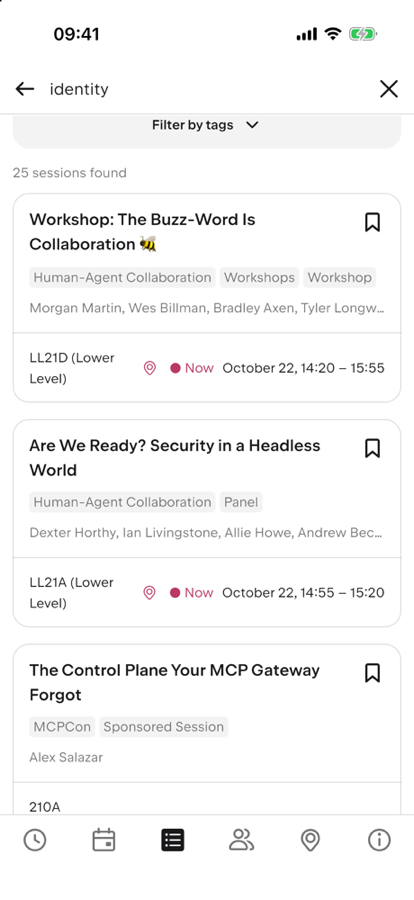
- Schedule and search: the full schedule, filtered by topic, level, format or company. Search matches titles, speakers, descriptions and companies.
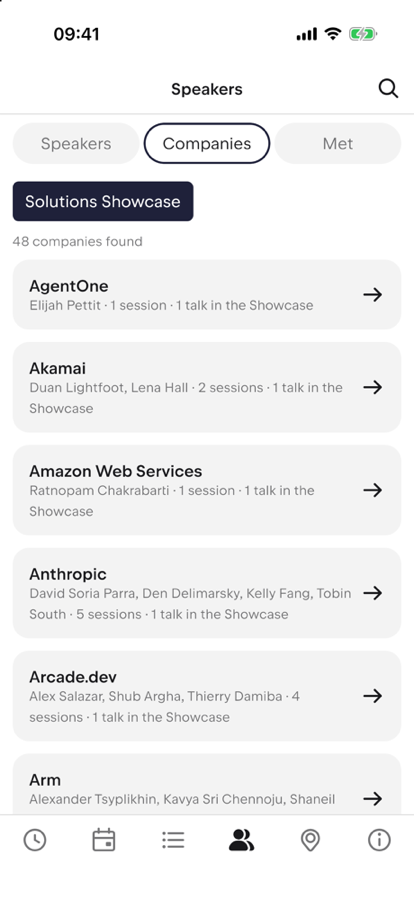
- Speakers and companies: speaker pages with the links they published (LinkedIn, blog, company site), a Companies tab, and a filter for the Solutions Showcase talks.
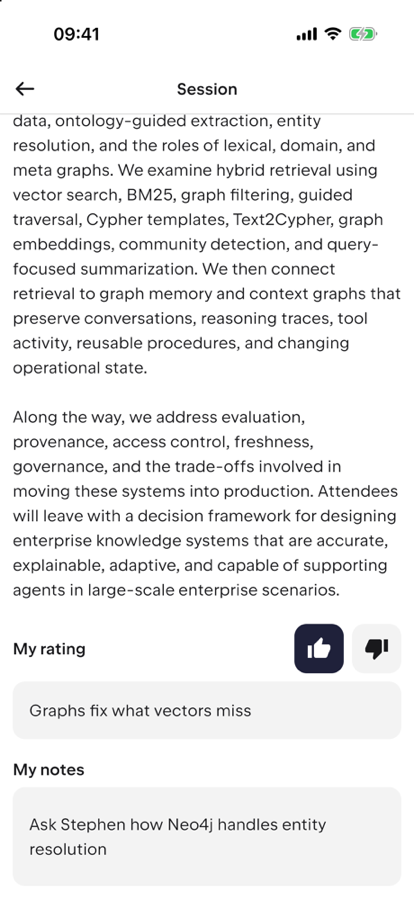
- Notes and ratings: a note on any session or speaker, and a thumbs up or down with a one-line takeaway for sessions. Stored on the device.
- People I met: mark a speaker as met and add a note; they show up in one list with their LinkedIn link.
- Export: add a session or your schedule to your calendar (an
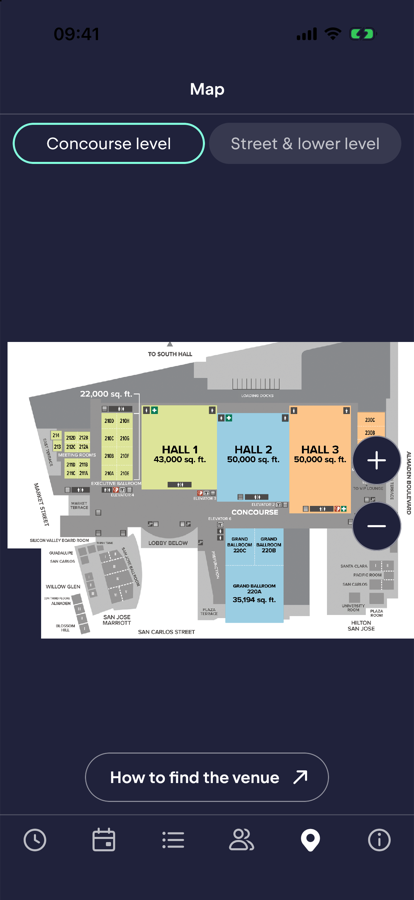
.icsfile), share them as text, or export a Markdown trip report with your sessions, ratings, notes, slide links and the people you met. - Map: a floor plan of the venue with a pin per room, and a "Find on map" button on sessions.
- Sessionize sync: optionally link the app to the event's Sessionize web app with its six-digit code, so your bookmarks match in both.
Screenshots
In a browser
There is also a web version, with no install and no account: open it. On an iPhone, open it in Safari and choose Share, then Add to Home Screen. On Android, use Chrome's Install option. It is the same app compiled for the web.
- It is rougher than the iPhone app. It is a large first download (several megabytes) and starts more slowly.
- It is set up to keep working without a connection after you have opened it once online. I tested the logic, not yet on a real phone.
- Your notes and ratings are stored in the browser. Clearing the site's data, or Safari not seeing the site for a long while, can erase them. Adding it to the Home Screen helps.
- Session reminders and the bookmark sync with the Sessionize web app probably will not work in a browser. I have not tested the sync from a browser.
Where it stands
- The iPhone app is in a TestFlight beta. It is the version I have tested most.
- The web version starts in desktop Chromium and in Safari on an iPhone simulator, and a check runs before each deploy. I have not tried it on a real phone, or offline.
- An Android build runs on an emulator (schedule, sessions, bookmarks, ratings, calendar export and share). There is no Android release yet. A desktop build exists but I have not run it for this event.
- Something wrong? In the app, Info, then Report a problem opens a GitHub issue with the app version filled in.
- The German translation is mine and nobody has reviewed it.
- There will be bugs. Accessibility got one pass from me (large text, contrast, tap sizes), not a full VoiceOver test.
- The venue map is the convention center's published floor plan; only some rooms have pins.
Your data
Notes, ratings and the list of people you met are saved on your device and the app does not send them anywhere. The schedule comes from the event's public Sessionize feed. The optional bookmark sync talks to the event's Sessionize web app, only after you link it. The source is below if you want to check.
Trying it
To try the iPhone beta, ask for a TestFlight invite and I will send one: open an issue (it is public, so you may prefer to message me instead).
The code is at github.com/ingo/agntcon-app. The README explains how to build it for another Sessionize event: you add a profile with the event's Sessionize id, time zone and colors. Issues and pull requests are welcome.